
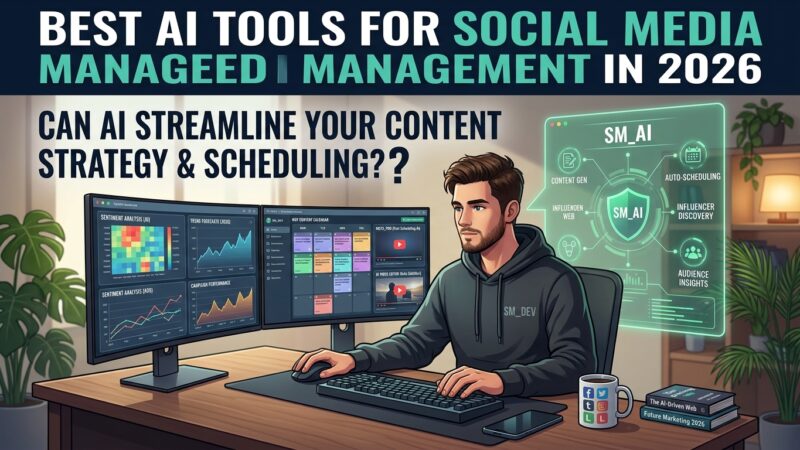
Managing social media is a full-time job — writing captions, designing graphics, scheduling posts across platforms, and responding to comments. AI tools have made it possible to do all of this in a fraction of the time, whether you’re a solo creator, small business owner, or marketer.

We tested the tools that actually save time. Here are the best for 2026.

✍️
Captions
ChatGPT
Write engaging captions in your brand voice
🎨
Graphics
Canva AI
Design posts without any design skills
📅
Scheduling
Buffer
AI post ideas plus multi-platform scheduling
🎬
Video
CapCut AI
Edit short-form videos with AI assistance

Content Creation (3 tools)

✍️
1. ChatGPT — Caption and content writing
Free plan$20/mo Plus
Generate captions, content ideas, hashtag sets, and full content calendars. Tell it your brand voice and niche, and it produces on-brand posts in seconds. The free plan handles most social content needs for small creators and businesses.
🎨
2. Canva AI — Graphics and design
Free planPro $15/mo
Canva’s Magic Studio generates images, resizes designs for every platform automatically, removes backgrounds, and writes copy — all in a drag-and-drop editor. The single most useful tool for non-designers creating social graphics.
🎬
3. CapCut — AI video editing
Free planPro $8/mo
CapCut makes short-form video editing easy with AI auto-captions, background removal, and templates optimized for TikTok, Reels, and Shorts. Essential for anyone doing video content on social media.

Scheduling & Management (2 tools)

📅
4. Buffer — AI scheduling
Free planFrom $6/mo
Buffer’s AI Assistant generates post ideas and repurposes content across platforms, then schedules everything from one dashboard. The free plan covers three channels — enough for many small creators.
📊
5. Hootsuite — AI-powered management
From $99/mo
For businesses managing multiple accounts, Hootsuite combines AI content generation, optimal-time scheduling, and analytics in one platform. More expensive, but comprehensive for serious social media operations.

Comparison

ToolBest forFree planPrice
✍️ChatGPT Start here
Captions & ideas✓ Yes$20/mo
🎨Canva AI
Graphics✓ Yes$15/mo
📅Buffer
Scheduling✓ Yes$6/mo
🎬CapCut
Video editing✓ Yes$8/mo
📊Hootsuite
Agencies✗ No$99/mo

The free starter stack: ChatGPT for captions, Canva for graphics, Buffer for scheduling, and CapCut for video — all have free plans. That’s a complete social media workflow at zero cost. Add paid tools only when your volume grows.

Final Thoughts

You no longer need a team or a big budget to run professional social media. Start with the free versions of ChatGPT, Canva, Buffer, and CapCut — together they cover writing, design, scheduling, and video. Master those, then upgrade individual tools as your accounts grow. The creators winning on social media in 2026 aren’t working harder — they’re using AI to work smarter.