
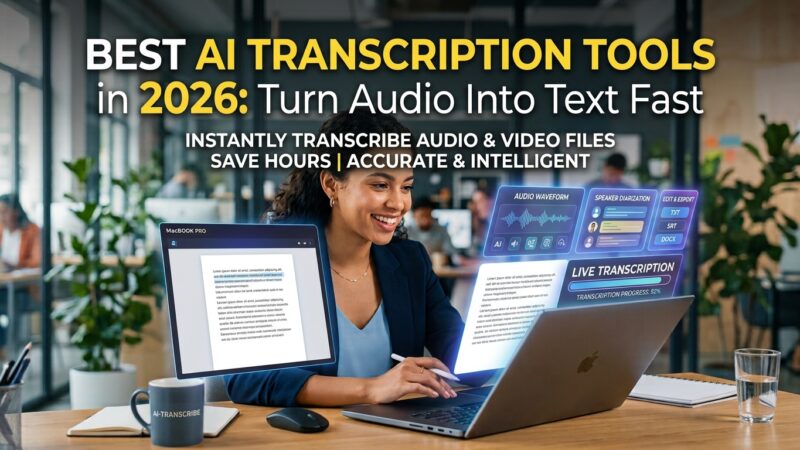
Transcribing audio by hand is one of the most tedious tasks in any job. AI transcription tools in 2026 turn a recorded meeting, interview, or lecture into accurate, searchable text in minutes — often joining your video calls automatically to take notes for you. For journalists, students, researchers, and anyone in meetings all day, this is a genuine hour-saver. Accuracy and features vary, so choosing well matters.
We ran the same audio through every major tool to compare accuracy, speaker labeling, and value. Here is the honest ranking.
1. Otter.ai — Best Overall
2. Google Docs Voice Typing — Best Free Option
3. Fireflies — Best for Meetings
4. Descript — Best for Editing Audio/Video
5. Rev — Best for Maximum Accuracy
Full Comparison: AI Transcription Tools Ranked
| Tool | Accuracy | Ease of use | Free plan | Price | Best for |
|---|---|---|---|---|---|
🎧Otter.ai |
9.0 |
9.2 |
✓ Free | $10/mo | Best overall |
🆓Google Docs |
8.2 |
8.8 |
✓ Free | $0 | Free dictation |
🤝Fireflies |
8.8 |
8.7 |
✓ Free | $10/mo | Meetings |
🎬Descript |
8.6 |
8.4 |
✓ Free | $12/mo | Editing media |
✅Rev |
9.8 |
8.5 |
✗ No | $0.25/min | Max accuracy |
Which AI Transcription Tool Should You Choose?
- ✓ Need a reliable all-rounder? Otter.ai.
- ✓ Just want to dictate for free? Google Docs Voice Typing.
- ✓ In meetings all day? Fireflies auto-joins and summarizes.
- ✓ Editing podcasts or video? Descript.
- ✓ Accuracy is critical? Rev’s human-reviewed option.
Our recommendation: Start with Otter.ai’s free tier — it covers most meeting and interview needs beautifully. For zero-cost dictation, Google Docs Voice Typing is a great free backup.
Prices and features change frequently. Check each tool’s official site for current plans before subscribing.